Hey there, fellow pet parents! Have you ever looked at your dog and thought, ‘There’s a brilliant mind in there just waiting for a new challenge’? In our increasingly digital world, we have amazing tools at our fingertips, and it turns out, they aren’t just for us. Believe it or not, your tablet can be more than just a portal to social media or your favorite shows—it can be a fantastic toy and training tool for your furry best friend!
Teaching your dog to play games on an iPad might sound a bit silly at first, but it’s a powerful form of canine enrichment. It taps into their natural problem-solving skills, provides crucial mental stimulation (which can be just as tiring as physical exercise!), and offers a wonderful new way to bond. It’s especially great for rainy days, dogs on restricted exercise, or simply for adding a fun new trick to their repertoire. In this guide, we’ll walk you through everything you need to know, from picking the right apps to a step-by-step training plan that will have your pup tapping away like a pro in no time. Let’s get our tech-savvy pups ready to play!
Gearing Up for Gaming: What You’ll Need
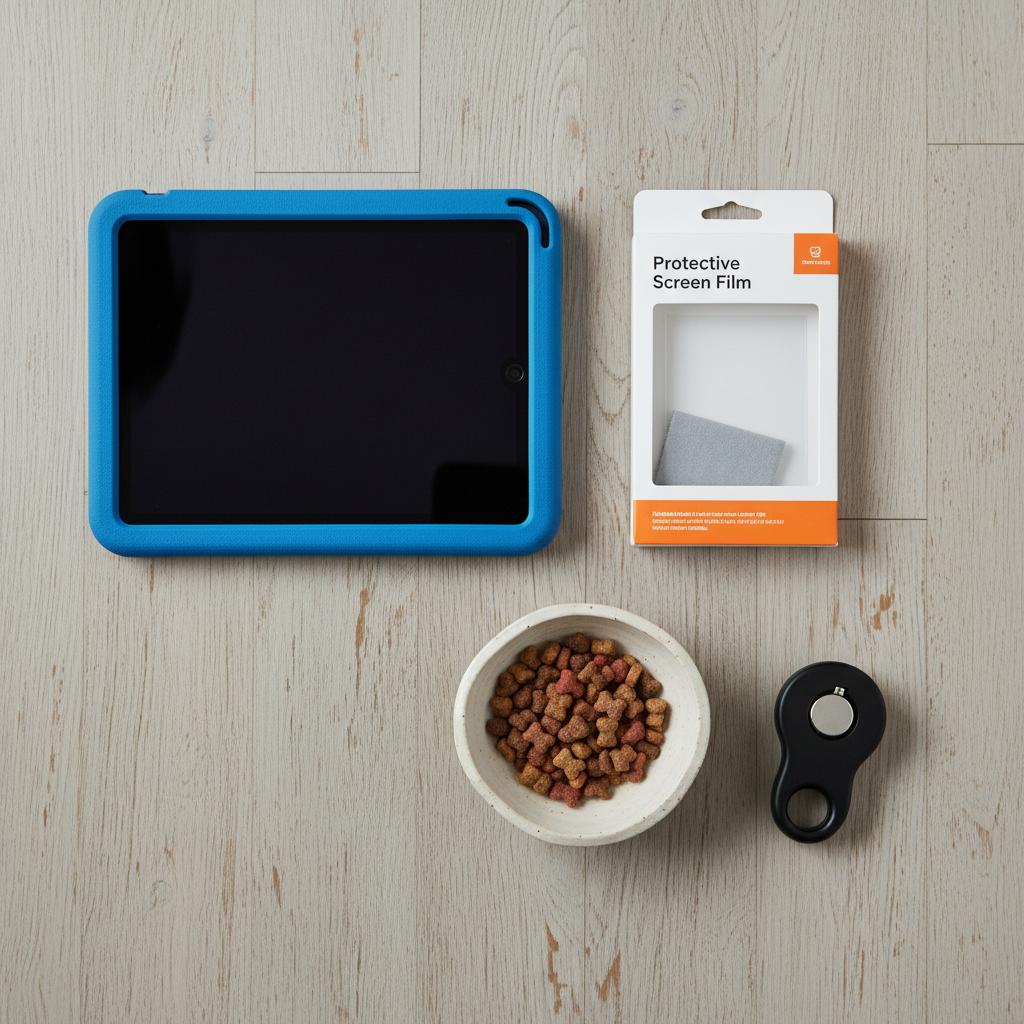
Before you and your canine companion dive into the world of digital games, it’s best to get all your gear in order. Setting up for success will make the training process smoother and more enjoyable for everyone. Think of it as setting up your own gaming station, but with more fur and fewer energy drinks! Here’s a simple checklist of what you’ll need:
- An iPad or Tablet: Any model will do! The most important thing is that it has a responsive touchscreen. If you’re worried about claws, and you should be, this next item is non-negotiable.
- A Heavy-Duty Screen Protector & Case: This is a must-have. An enthusiastic paw tap can easily turn into a screen scratch or crack. Invest in a durable, pet-proof (or at least kid-proof) case and a quality tempered glass screen protector. Your wallet will thank you later.
- High-Value Treats: We’re talking about the good stuff! Small, soft, and extra-tasty treats that your dog absolutely loves will be your primary reward. Think tiny pieces of cooked chicken, cheese, or their favorite commercial training treats. The smaller, the better, so you can reward frequently without overfeeding.
- Dog-Friendly Gaming Apps: Not all games are created equal. You’ll need to download a few apps specifically designed for dogs. We’ll cover how to choose the best ones in the next section.
- A Comfortable, Quiet Space: Choose a location with minimal distractions where your dog feels relaxed. A comfy rug or their favorite bed is a great spot to start.
- Patience and a Positive Attitude: This is the most important tool of all! Every dog learns at a different pace. Keep sessions short, fun, and always end on a positive note. Your energy will set the tone for the entire experience.
Expert Tip: Before you even begin, make sure your dog’s nails are trimmed and filed smooth. This not only protects your screen but also makes it more comfortable for your dog to interact with the hard surface.
Choosing the Best Canine-Friendly Apps

Once you’re geared up, it’s time to load your tablet with some tail-waggingly good entertainment. A quick search for ‘games for dogs’ will reveal a surprising number of options. But what makes an app good for a canine user? Look for games with simple mechanics, high-contrast visuals, and rewarding sounds. The goal is for the game to be intuitive for a non-human player. Here are a few popular types and a comparison to help you choose.
What to Look For in a Dog Gaming App:
- Large, Moving Targets: Think scurrying squirrels, swimming fish, or simple bouncing balls. Dogs are drawn to movement.
- Instant Auditory Feedback: A satisfying ‘squeak,’ ‘pop,’ or ‘ding’ when your dog successfully touches the target provides immediate reinforcement.
- Simple Cause-and-Effect: The game should be straightforward: touch the thing, and something fun happens.
- No Complicated Menus or Ads: You don’t want your dog accidentally buying something or getting stuck on an ad pop-up!
Here’s a breakdown of a few popular choices to get you started:
| App Name | Key Features | Best For… |
|---|---|---|
| Game for Dogs | Features a virtual squeaky toy and a ‘whack-a-mole’ style game with critters popping up. Multiple levels of difficulty. | Dogs who are highly motivated by squeaky toys and enjoy a fast-paced challenge. |
| App for Dogs | A simple painting app where your dog’s nose or paw swipes create colorful patterns. It’s less of a ‘game’ and more of a creative outlet. | Creative enrichment and for dogs who might be too gentle or slow for fast-moving targets. A very low-pressure option. |
| PetCube App | While primarily for their camera, it includes a laser game you can control to play with your pet remotely or in person on the screen. | Cats are the primary audience, but some dogs who love chasing lasers will enjoy this one immensely. |
| Lonely Dog Toy | Features various games like fetch, a treat dispenser puzzle, and a chasing game. Designed to entertain dogs when they are alone. | Pups who need a bit more complexity or for keeping them occupied when you’re busy in another room. |
Our advice? Download two or three different types of games. Your dog might show a strong preference for one style over another, and having options keeps things fresh and exciting.
The Training Protocol: From Tablet to Touchscreen Pro
This is where the real fun begins! We’re going to break down the training into small, manageable steps. Remember to keep sessions short—just 5-10 minutes once or twice a day is perfect. The goal is to build a positive association with the tablet. Let’s get started!
-
Step 1: The Introduction Ceremony
First, we need to make sure your dog sees the iPad as a fun, friendly object. Place the tablet (turned off) on the floor. The moment your dog shows any interest—sniffing it, looking at it, walking near it—praise them enthusiastically and give them a treat. Do this a few times until they are completely comfortable with the tablet’s presence. We’re teaching them: iPad = Good Things Happen!
-
Step 2: Mastering the Nose Boop (Target Training)
Now, we’ll teach a ‘touch’ cue. Hold a treat against the screen of the turned-off iPad. When your dog moves in to get the treat and their nose touches the screen, say ‘Yes!’ or click your clicker, and give them the treat. After a few repetitions, hold your finger on the screen without a treat. When their nose touches your finger, mark the moment with ‘Yes!’ and reward them from your other hand. This separates the action from the lure. You’re building a reliable ‘nose boop’ on the screen.
-
Step 3: Graduating to the Paw Tap
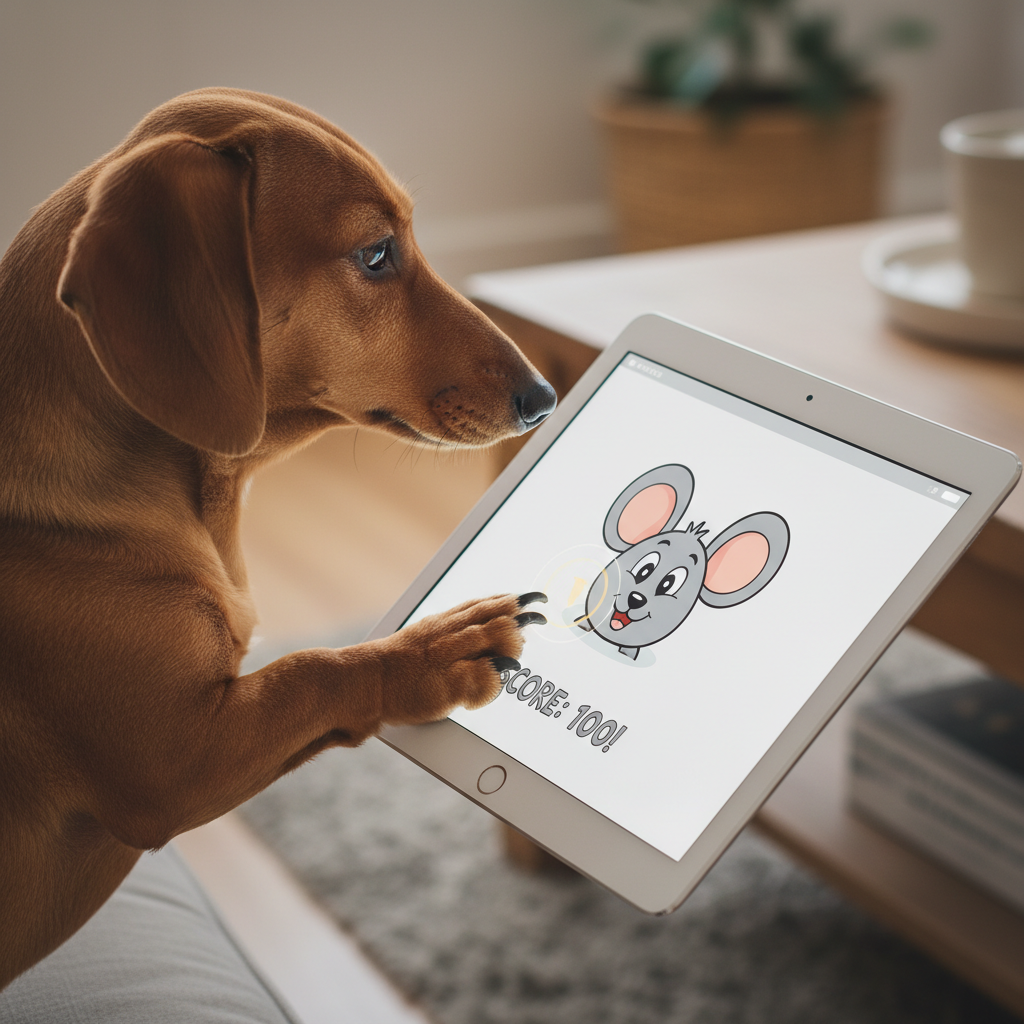
While a nose boop is cute, a paw tap is often more effective for games. Once your dog is confidently nose-targeting the screen, hold off on the reward. They might get a little frustrated and try something else—like pawing at the screen. The very instant their paw makes contact, have a mini-party! Praise them lavishly and give them a jackpot of treats. They’ll quickly learn that the paw is what gets the big reward now. Only reward paw touches from this point forward.
Safety Check: Again, this step highlights the importance of trimmed nails. If you hear a lot of clicking or scratching, it’s time for a puppy pedicure!
-
Step 4: Connecting the Action to the Game
It’s go time! Open a simple game with a single, large, slow-moving object (like a fish or a ball). Encourage your dog to touch the screen. When their paw makes contact with the moving object and the game makes its rewarding sound, immediately praise and treat them. You are now connecting their paw tap to the fun reaction on the screen. They’ll start to realize they are the ones making the fun happen.
-
Step 5: Let the Games Begin!
As your dog gets the hang of it, you can start to fade the food rewards. The game’s sounds and visuals will become a reward in themselves! Let them play for a few minutes, offering praise and an occasional treat for a particularly good ‘catch’. You’ve officially got a gamer pup on your hands!
Level Up! Advanced Tips & Keeping It Fun
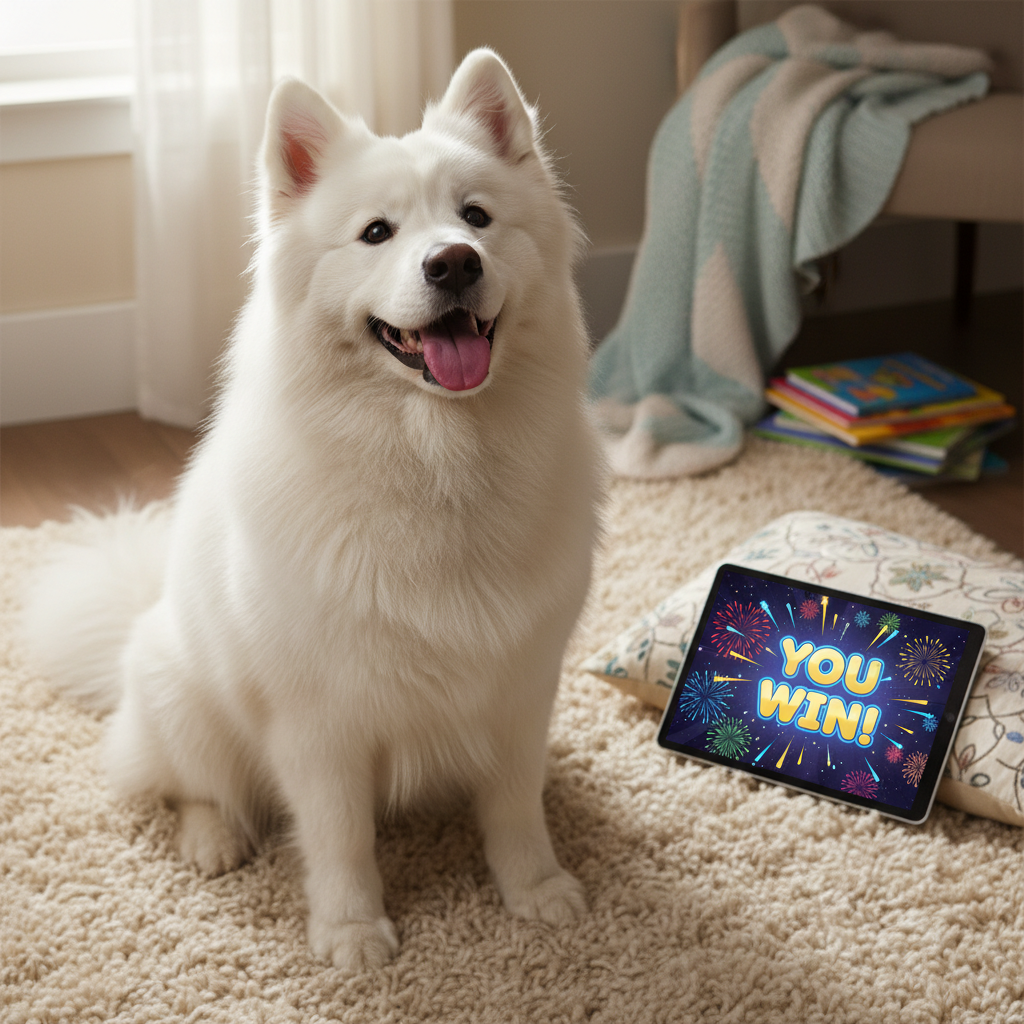
Your dog has mastered the basics, and now they’re a tablet-tapping enthusiast. So, what’s next? Just like any game, you can ‘level up’ the experience to keep it challenging and engaging. The key is to prevent boredom and ensure the activity remains a special, positive part of their day.
How to Keep the Spark Alive:
- Keep Sessions Short & Sweet: It’s always better to end the game while your dog is still having fun and wanting more. This builds anticipation for the next session. Five to fifteen minutes is plenty. Overdoing it can lead to frustration or boredom.
- Increase the Difficulty: Once your dog is an expert at the easy level, see if the app has settings to make the targets smaller, faster, or more numerous. This provides a new challenge for their brain and keeps their skills sharp.
- Introduce New Games: Don’t be afraid to download a new app every now and then. A new set of sounds, targets, and objectives can reignite your dog’s interest. You can even create a ‘game library’ and rotate through them.
- Make it a Special Occasion: Use iPad time as a specific reward or a go-to activity for certain situations, like on a stormy day when you can’t go for a long walk. This makes it a high-value event rather than a routine expectation.
Read Your Dog’s Body Language: Pay close attention to your pup’s signals. A wagging tail, bright eyes, and a focused but relaxed posture mean they’re having a great time. If you see signs of stress like excessive panting, yawning, or trying to leave, it’s time to end the session. The goal is fun, not frustration.
Can Two Dogs Play?
If you have a multi-dog household, you might be tempted to let them play together. It’s generally best to give each dog their own individual gaming session. This prevents any potential resource guarding over the ‘toy’ (the iPad) and ensures each dog gets quality one-on-one time and training with you.
Troubleshooting Common Glitches: When Your Pup Hits ‘Pause’
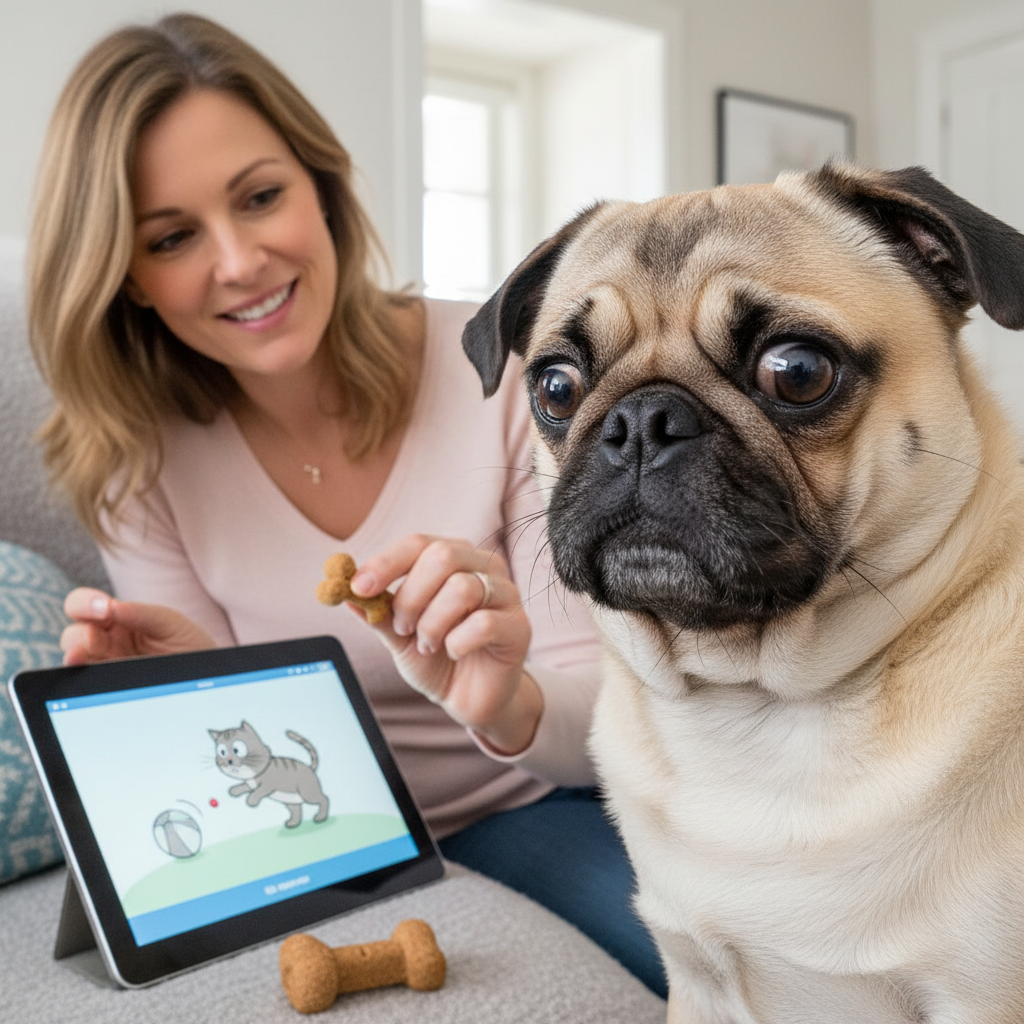
Just like with any new technology, you and your pup might run into a few ‘bugs’ during the training process. Don’t worry! Most issues are easily solved with a bit of patience and a slight change in your approach. Here are some common problems and how to fix them.
Help! My dog is scared of the tablet.
The Fix: This is very common. The screen’s reflection or sudden sounds can be intimidating. Go back to Step 1 of the training protocol. Re-introduce the tablet while it’s turned off. Place high-value treats on and around it without asking for any interaction. Let your dog approach it on their own terms. Keep the volume off initially when you do turn it on. The key is to build a positive association at your dog’s pace.
Help! My dog is too rough and tries to bite or chew it.
The Fix: Immediately remove the tablet and say ‘Oops!’ in a neutral tone. This is not a chew toy. Only reintroduce the tablet when your dog is calm. Heavily reward gentle interactions like soft nose boops or gentle paw taps. If the behavior persists, the tablet may only be used when it’s flat on the floor, which discourages picking it up. A super-durable case is your best friend here.
Help! My dog just licks the screen.
The Fix: A licking pup is usually trying to get the ‘treat’ they think is inside the screen! This means you should stop using food as a lure directly on the screen. Go back to target training your finger, and reward from your other hand. You can also try smearing a tiny bit of dog-safe peanut butter on the screen initially, then rewarding for the lick, and then slowly shaping that behavior into a nose boop for the same reward.
Help! My dog loses interest really quickly.
The Fix: This could be a few things. Are your treats high-value enough? Is the game too hard or not stimulating enough? Are there too many distractions in the room? Try a different, more exciting game, use better treats, and make sure you’re in a quiet environment. Most importantly, shorten the sessions. A super fun two-minute session is far better than a boring ten-minute one.
Conclusion
Congratulations, you have all the tools to turn your pup into a tablet whiz! Teaching your dog to play iPad games is so much more than a novelty trick. It’s a fantastic journey into understanding how your dog learns, a powerful tool for busting boredom, and a truly unique way to strengthen the bond you share. You’re not just killing time; you’re investing in your dog’s cognitive health and happiness.
Remember to always prioritize fun and safety. Keep those nails trimmed, protect your screen, and celebrate every small success along the way. Whether your dog becomes a gaming prodigy or just enjoys a few casual taps now and then, the time you spend together learning something new is the real prize. Now go grab your tablet and treats, and see what your brilliant pup can do!